Recommendation blocks in Page Builder
One of the Raptor Integration elements is the introduction of recommendation blocks available in the Page Builder.
Content, Product, and Commerce recommendations can be added to a landing page using the blocks.
Editors can configure these blocks to display:
- personalized product recommendations
- related articles or content
- recently viewed or popular items
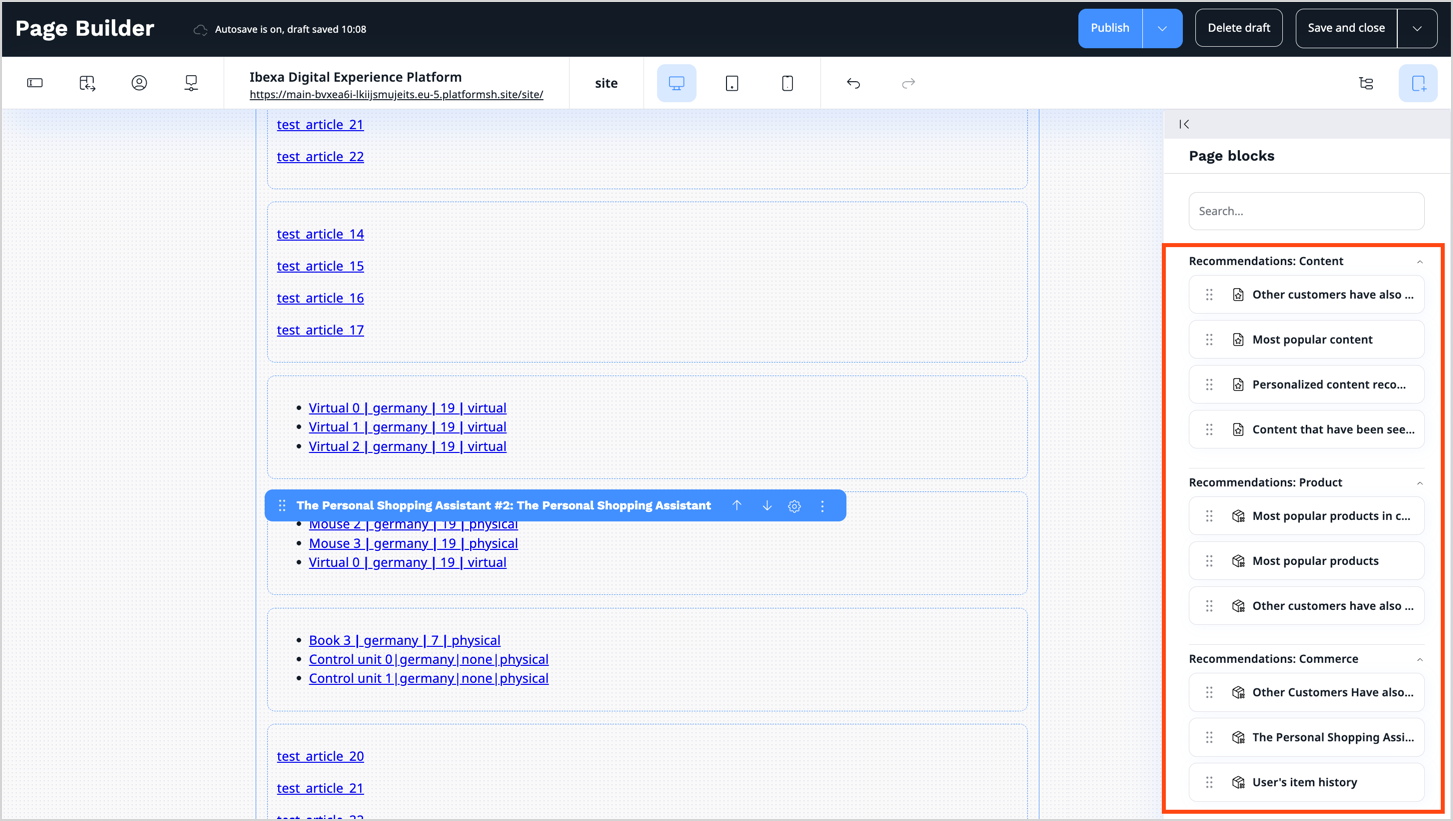
In the toolbar, corresponding categories for recommendation blocks are available, containing sets of blocks depending on the recommendation type:
- Recommendations: Content - presents content recommendations:
- Recommendations: Product - displays product suggestions based on visitors’ browsing history:
- Recommendations: Commerce - shows recommendations based on visitors' purchase history (buy and basket events):
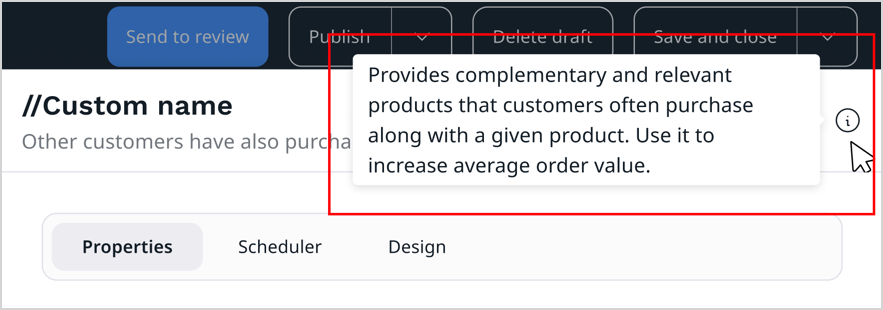
After opening the settings of a recommendation block, you can click the info icon on the right side to display a tooltip with basic information about selected recommendation strategy.
Also, a link is available at the bottom of the window. It leads to the Raptor Control Panel (opens in a separate tab), where you can configure advanced settings and fine-tune the recommendation strategy.

For a complete description of Recommendation blocks see Recommendation blocks. For the list of all page blocks that are available in Page Builder, see Block reference page.